
149 Million Logins Exposed: Is Your Data in the 96GB Leak? (Security Analysis)
Author: Adam Collins
Scamadviser Risk Score: High Alert Threat Type: Credential Theft / Infostealer Malware Data Volume: 149,000,000+ Records
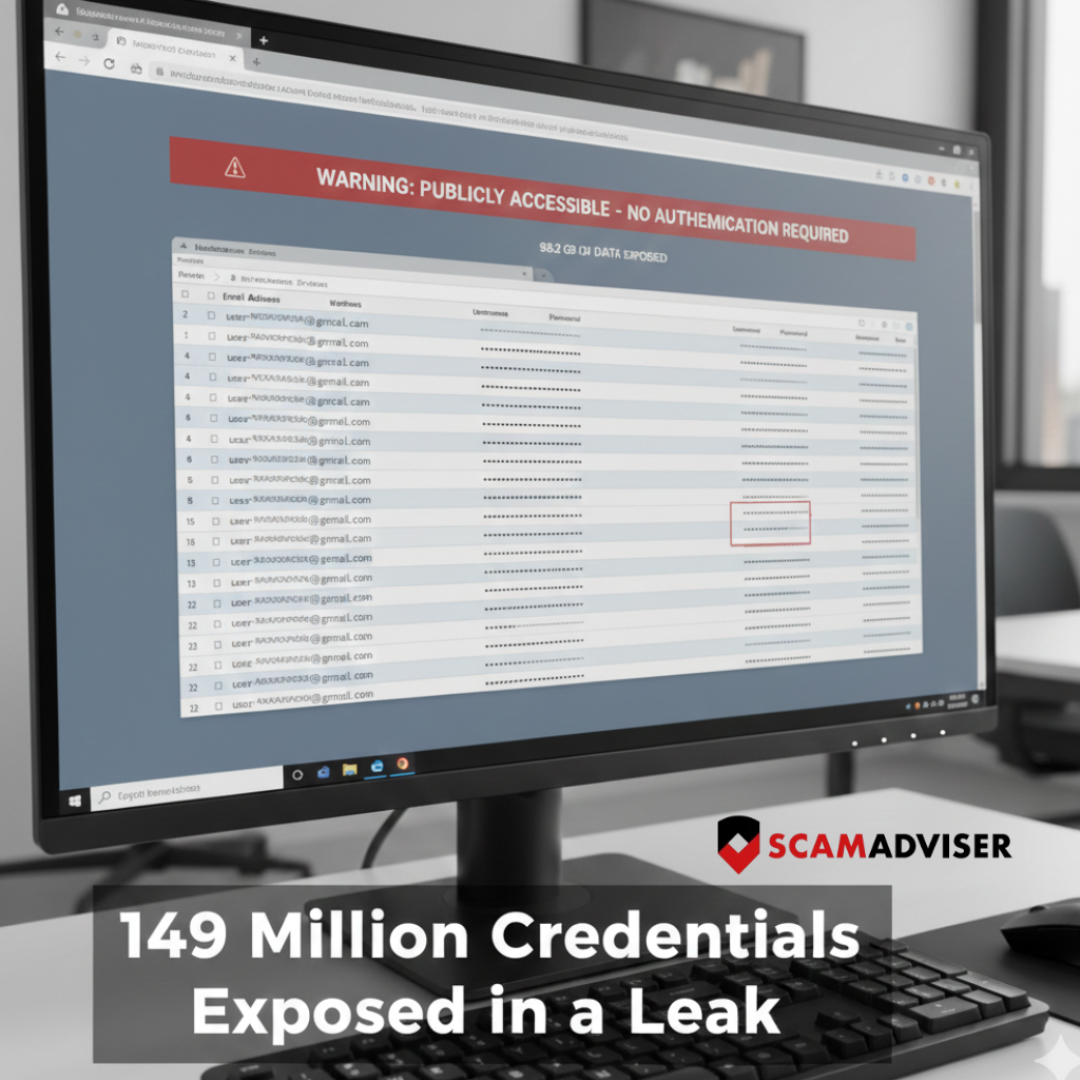
A massive database containing 149 million usernames and passwords has been discovered online, left unsecured for anyone to find. Unlike a traditional "hack" where a single company (like Facebook or Gmail) is breached, this data was likely harvested directly from victims' computers.
At Scamadviser, we analyzed the reports surrounding this 96GB leak. Here is everything you need to know to protect your digital identity.
What Happened?
Cybersecurity researcher Jeremiah Fowler discovered a publicly accessible database containing over 149 million records. The data was not protected by a password, meaning any malicious actor could have downloaded it.
The database included logins for:
- Email Services: Gmail, Outlook, Yahoo.
- Social Media: Facebook, Instagram, TikTok.
- Financial Services: Online banking portals and crypto exchanges.
- Corporate Portals: Internal links and employee login pages.
The Scamadviser Analysis: How Was The Data Stolen?
Our analysis suggests this wasn't a "server hack." Instead, it appears to be a collection of "Stealer Logs."
Most of this data was likely stolen via Infostealer Malware (such as RedLine or Vidar). When a user downloads a "cracked" game, a fake software update, or opens a malicious email attachment, the malware scrapes every saved password and "session cookie" from their web browser (Chrome, Edge, Firefox).
Why this is more dangerous than a normal leak:
- URL Mapping: The leak doesn't just show your password; it shows the exact URL where you used it. This allows hackers to target your specific bank or work portal directly.
- Bypassing 2FA: The database likely contained "Session Tokens." These allow hackers to clone your "logged-in" status, sometimes bypassing Two-Factor Authentication (2FA) entirely.
Is it a Scam? (Red Flags to Watch For)
Following a leak of this magnitude, scammers will go into overdrive. Be on high alert for:
- The "Account Locked" Phishing Email: You may receive a fake email from "Google" or "Facebook" claiming your account was compromised and asking you to click a link to "Verify your identity." Do not click.
- Extortion Scams: Scammers may email you showing you a password you used in the past, claiming they have recorded you via your webcam. They will demand Bitcoin. This is a bluff—they simply got your password from this 149M leak.
How to Protect Yourself (Step-by-Step)
If you use Gmail, Facebook, or TikTok, follow these Scamadviser-recommended steps immediately:
1. Check "Have I Been Pwned"
Enter your email address at [HaveIBeenPwned.com] to see if your data has appeared in recent "Combolists" or Stealer Logs.
2. Kill Active Sessions
Changing your password isn't enough if a hacker has your "Session Cookie."
Gmail: Go to Security > Your Devices > Sign out of all unknown sessions.
Facebook/Instagram: Go to Accounts Center > Password and Security > Where you're logged in.
3. Move to a Dedicated Password Manager
Stop saving passwords in your browser. Browsers are the primary target for infostealer malware. Use a dedicated encrypted manager like Bitwarden, 1Password, or Dashlane.
4. Enable Hardware 2FA
SMS-based codes are vulnerable. Use an authenticator app (Google Authenticator) or, better yet, a physical security key (Yubikey).
Why Limiting Online Data Exposure Matters More Than Ever
One practical way to reduce your exposure after a data leak is to limit how much of your personal information is floating around online in the first place. Services like Incogni help by automatically requesting the removal of your details from data broker sites that collect and resell personal data. This reduces the amount of information scammers can easily access, without requiring you to track down and manage dozens of opt-out requests yourself. Over time, a smaller digital footprint can mean fewer scam attempts and a lower risk of identity misuse.
The Bottom Line: Never Reuse Passwords
The 149 million credential leak is a stark reminder that your browser is not a safe vault. If you have downloaded "free" or "cracked" software recently, your credentials are likely in this 96GB file.
Scamadviser Advice: Treat every login as compromised. Use a clean device to change your most important passwords (Banking and Primary Email) and never reuse the same password across multiple sites.
Disclaimer: Some links in this article may be affiliate links. This means we may earn a small commission if you choose to purchase a product or service through them, at no extra cost to you.
Report a Scam!

Have you fallen for a hoax, bought a fake product? Report the site and warn others!
Scam Categories
Help & Info
Top Safety Picks
Your Go-To Tools for Online SafetyDisclaimer: Some of the links here are affiliate links. If you click them and make a purchase, we may earn a commission at no extra cost to you.
- ScamAdviser App - iOS : Your personal scam detector, on the go! Check website safety, report scams, and get instant alerts. Available on iOS
- ScamAdviser App - Android : Your personal scam detector, on the go! Check website safety, report scams, and get instant alerts. Available on Android.
- NordVPN : NordVPN keeps your connection private and secure whether you are at home, traveling, or streaming from another country. It protects your data, blocks unwanted ads and trackers, and helps you access your paid subscriptions anywhere. Try it Today!
- Incogni : Incogni automatically removes your personal data from data brokers that trade in personal information online, helping reduce scam and identity theft risks without the hassle of manual opt-outs. Reclaim your privacy now!
Popular Stories
In a nutshell: A good VPN protects your privacy with strong encryption, a strict no-logs policy, and fast protocols like WireGuard. The best VPNs also offer wide server coverage, leak protection, and easy-to-use apps for all devices. For 2025, the top providers are NordVPN, ExpressVPN, Surfshark, Proton VPN, Private Internet Access, CyberGhost, and Mullvad—each excelling in speed, security, or value. In an age where every click is tracked, a Virtual Private Network (VPN) is no longer just a luxury—it's an essential tool for digital privacy and security. A VPN works by creating a secure, encrypted tunnel between your device and the internet, masking your real IP address and protecting your sensitive data from prying eyes. But with hundreds of providers out there, how do you sort the secure from the suspect? This guide breaks down the non-negotiable features of a quality VPN and highlights the 7 top-rated services for 2025. What to Look for in a Good VPN: The 4 Non-Negotiable Pillars 1. Ironclad Security Features Strong Encryption: AES-256, the gold standard. Secure Protocols: OpenVPN, WireGuard, NordLynx, Lightway. Avoid PPTP. Kill Switch: Ensures no accidental IP leaks. Leak Protection: Covers DNS, IPv6, and WebRTC. 2. Verified Privacy Practices No-Logs Policy: No activity or metadata tracking. Independent Audits: Verification by third parties. Safe Jurisdiction: Prefer countries outside the 5/9/14 Eyes alliances. 3. High-Speed Performance Fast Protocols: WireGuard and equivalents. Large Server Network: Less crowding, more reliable speeds. 4. Essential Usability Features Multi-Device Apps: Windows, Mac, iOS, Android, routers. Simultaneous Connections: One account, many devices. Unblocking Power: Netflix, Hulu, BBC
How to Protect Yourself and Your Family After a Data Breach When Your Data Falls Into the Wrong Hands Just received that terrifying notification? Or perhaps you've noticed suspicious activity in your accounts? Take a deep breath. A data breach, the unauthorized access or exposure of sensitive, protected, or confidential data, is a deeply unsettling event. It can plunge you into a world of worry, bringing risks from financial losses and identity theft to significant emotional distress and reputational damage. The numbers don't lie: according to a 2024 report, the number of data breach victim notices has grown by a staggering 211% year-over-year. This isn't just a distant threat; it's a stark reality many individuals face. This year alone, we've seen major organizations like Adidas and Qantas grapple with high-profile data breaches, affecting countless customers. This underscores a critical truth: nobody is untouchable. Subsequently, strategic action is the only way to minimize the risk and protect your future. This guide is your emergency action plan, designed to walk you through every crucial step—from confirming the breach to fortifying your digital life for the long term. Part 1: Confirming the Breach and Understanding the Damage The very first step is to answer the question definitively: Was my data compromised, and if so, how badly? Start with the basics: Check Official NotificationsReputable companies are legally obligated to inform you if your data was part of a breach. Look for official emails, letters, or public announcements. Check Verified Breach DatabasesPlatforms like HaveIBeenPwned help you see if