
Why Americans Are Getting Conned by Fake Amazon Jobs
Author: Adam Collins
In a Nutshell
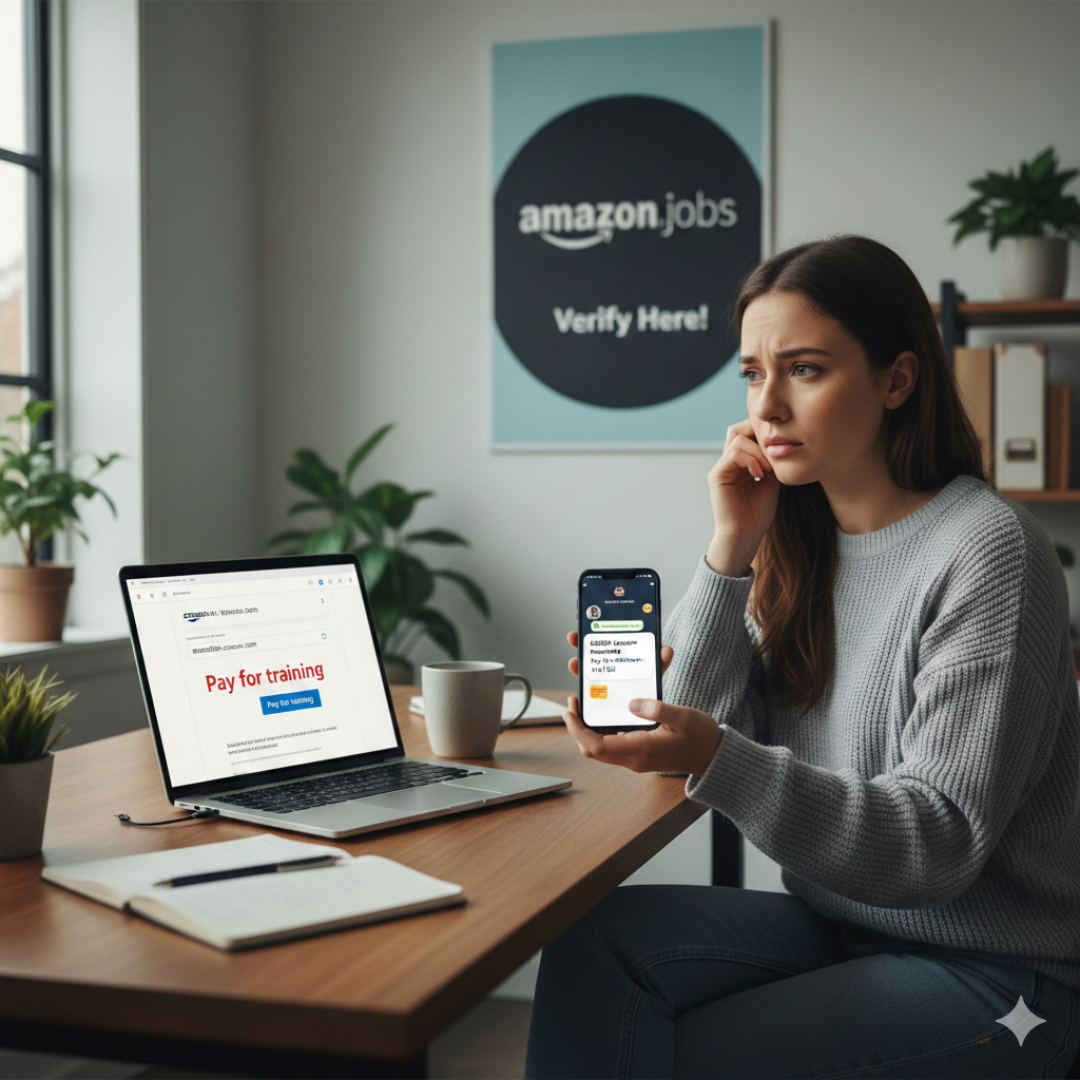
• Fake Amazon recruiters are contacting Americans through text, Gmail, WhatsApp, Telegram, and social media.
• These scammers introduce a fake payment step — often framed as training, equipment, onboarding, or background check fees.
• Amazon will never ask you to pay during hiring.
• Real openings appear only on amazon.jobs, and recruiters use @amazon.com or @amazon.jobs emails.
Job hunting in the United States has become increasingly risky as online employment fraud continues to surge. In September and October 2025, scammers intensified a nationwide campaign impersonating Amazon recruiters and offering fake work-from-home roles. Many job seekers searching for legitimate remote opportunities or trying to complete Amazon job verification checks found themselves targeted by convincing messages claiming to come from the company.
These impersonators are not offering real roles. They are running a sophisticated Amazon remote job scam designed to steal money or personal information under the guise of onboarding, training, or employment processing. This article explains how the fraud works, how to stay safe, and how to verify an Amazon recruiter email before becoming a victim.
The Rise of Fake Amazon Recruiting Messages
One of the biggest challenges for job seekers today is determining whether Amazon is recruiting for real when they receive unexpected messages about remote roles. Scammers are exploiting this confusion by presenting themselves as professional, urgent, and highly persuasive. Because Amazon is a trusted brand — and because many Americans genuinely want remote work — victims are more likely to believe a recruiter who contacts them out of the blue.
What begins as interest in an opportunity quickly becomes an attempt at recruiter impersonation, where the scammer’s entire focus is to introduce a fraudulent payment requirement and rush the decision-making process.
How the Scam Works From First Contact to Payment
Everything usually starts with an unsolicited approach. Victims report identical patterns: a message from a Gmail or unfamiliar domain, a promising job description, and a link inviting them to continue the conversation on apps like WhatsApp or Telegram. This shift away from official communication tools is designed to lower scrutiny and increase control — a tactic seen frequently in broader work from home scam activity.
The impersonator then outlines a role that sounds easy and well-paid. Many victims describe being offered remote positions that require no interviews or skills assessment, which should immediately raise alarms for anyone trying to complete even basic Amazon job verification steps.
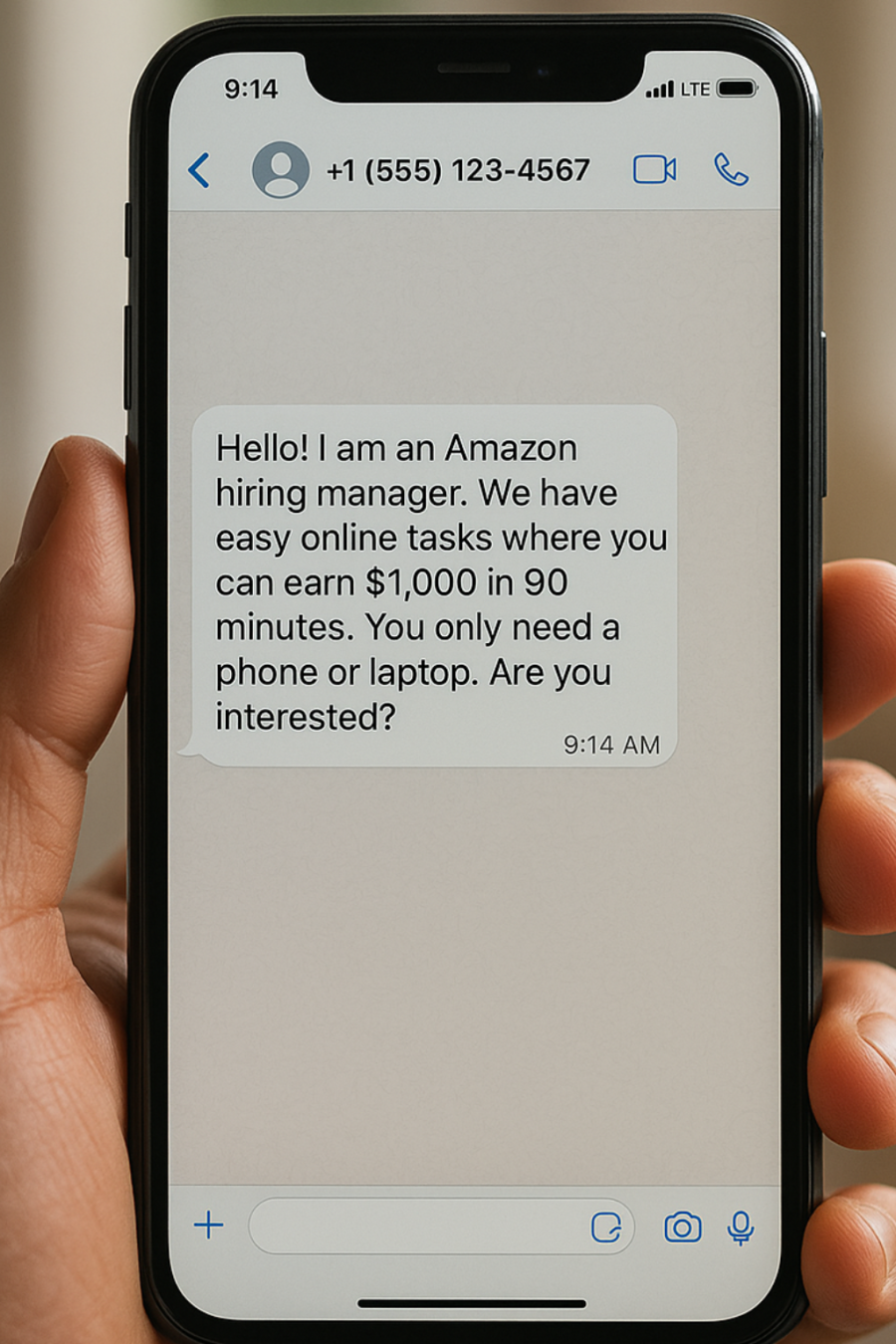
The moment the applicant expresses interest, the fraudster introduces the key requirement: a payment. Some claim the money is needed for “mandatory training,” “resume evaluation,” or “software access.” Others describe it as “verification charges,” often demanding payment through gift cards or crypto. This fits a growing search trend where queries like “Amazon recruiter asking for money” and “payment for Amazon training materials” have spiked as victims try to make sense of what they’re being told.
Any request for money signals an impersonation scam. Amazon does not charge for training materials, onboarding, background checks, or equipment. If someone insists otherwise, the safest course of action is to immediately stop communication and report the Amazon scammer through official channels.
Why This Scam Continues to Capture U.S. Job Seekers
The effectiveness of the fraud lies in the emotional timing. Job seekers may already be feeling pressure or urgency, and scammers amplify this by promoting roles that sound ideal: flexible schedules, high pay, and easy remote tasks. Many victims who later researched the messages often discovered rising search trends such as “Amazon job offer WhatsApp” or “Amazon remote job scam”, which mirror the exact method scammers used to contact them.
The authority of the Amazon brand is the final ingredient. When a scammer uses Amazon’s logo, tone, or vocabulary, job seekers often skip verification steps — especially those who aren’t aware that the safest way to verify an Amazon recruiter email is to check the sender’s domain directly.
How to Confirm a Real Amazon Job
The most reliable way to determine if Amazon is actually recruiting is to check whether a role appears on the official career website, amazon.jobs. If the listing does not exist there, it is not real. Amazon does not outsource interviews or initial outreach to messaging platforms, and it does not issue job offers through WhatsApp groups, Telegram channels, or unsolicited texts.
Email domains matter as well. Real recruiters only use addresses ending in @amazon.com or @amazon.jobs. Anything else — no matter how similar — is an impersonation attempt. This simple step stops the majority of online employment fraud involving Amazon branding.
Lastly, hiring always includes legitimate stages such as interviews or assessments. Any process that skips formal evaluation and moves directly to payment is a textbook Amazon remote job scam.
What You Should Do If You Encounter a Fake Offer
If someone claiming to be an Amazon recruiter requests money, stop communication immediately. Do not click links, send documents, or transfer any funds. The safest next step is to report the Amazon scammer through Amazon’s Trustworthy Shopping Website (TWS) so their investigation team can take action. Sharing your experience with others is equally important, especially as these scams continue to spread across multiple platforms.
Bottom Line: Watch Out for Fake Amazon Jobs
Fake Amazon job offers are increasing because they successfully mix hope, urgency, and brand trust. They target people searching for remote work and pressure them to act before verifying information. But no matter how convincing the pitch may sound, one rule remains absolute: Amazon will never ask you to pay to get a job. If a recruiter demands money, the job is fake, the process is fraudulent, and you are dealing with a scammer — not Amazon.
FAQs
How can I tell if an Amazon job is legit?
A legitimate Amazon job will always be listed on amazon.jobs, and any communication will come from an official Amazon email address. If you’re unsure, the fastest method is to verify the Amazon recruiter email by checking whether the domain ends in @amazon.com or @amazon.jobs. Real roles also involve interviews or assessments, not instant job offers.
How can you tell a fake job offer?
Fake offers usually involve unsolicited messages, unusual communication channels like WhatsApp, and fast-moving processes with no interviews. The strongest indicator is payment — especially when someone demands money for onboarding, equipment, or training materials. That is always a sign of recruiter impersonation.
Does Amazon have legit work-from-home jobs?
Yes. Amazon regularly hires remote staff in customer service, administrative support, HR, and other areas. However, scammers often mimic these roles, which is why Amazon job verification through official channels is essential.
How much will Amazon pay you to work from home?
Pay depends on job type and location, but legitimate remote roles typically align with standard industry rates. What Amazon does not offer are extremely high-paying, low-effort positions. Offers that claim otherwise often lead back to an Amazon remote job scam.
Report a Scam!

Have you fallen for a hoax, bought a fake product? Report the site and warn others!
Scam Categories
Help & Info
Top Safety Picks
Your Go-To Tools for Online SafetyDisclaimer: Some of the links here are affiliate links. If you click them and make a purchase, we may earn a commission at no extra cost to you.
- ScamAdviser App - iOS : Your personal scam detector, on the go! Check website safety, report scams, and get instant alerts. Available on iOS
- ScamAdviser App - Android : Your personal scam detector, on the go! Check website safety, report scams, and get instant alerts. Available on Android.
- NordVPN : NordVPN keeps your connection private and secure whether you are at home, traveling, or streaming from another country. It protects your data, blocks unwanted ads and trackers, and helps you access your paid subscriptions anywhere. Try it Today!
- Incogni : Incogni automatically removes your personal data from data brokers that trade in personal information online, helping reduce scam and identity theft risks without the hassle of manual opt-outs. Reclaim your privacy now!
Popular Stories
In a nutshell: A good VPN protects your privacy with strong encryption, a strict no-logs policy, and fast protocols like WireGuard. The best VPNs also offer wide server coverage, leak protection, and easy-to-use apps for all devices. For 2025, the top providers are NordVPN, ExpressVPN, Surfshark, Proton VPN, Private Internet Access, CyberGhost, and Mullvad—each excelling in speed, security, or value. In an age where every click is tracked, a Virtual Private Network (VPN) is no longer just a luxury—it's an essential tool for digital privacy and security. A VPN works by creating a secure, encrypted tunnel between your device and the internet, masking your real IP address and protecting your sensitive data from prying eyes. But with hundreds of providers out there, how do you sort the secure from the suspect? This guide breaks down the non-negotiable features of a quality VPN and highlights the 7 top-rated services for 2025. What to Look for in a Good VPN: The 4 Non-Negotiable Pillars 1. Ironclad Security Features Strong Encryption: AES-256, the gold standard. Secure Protocols: OpenVPN, WireGuard, NordLynx, Lightway. Avoid PPTP. Kill Switch: Ensures no accidental IP leaks. Leak Protection: Covers DNS, IPv6, and WebRTC. 2. Verified Privacy Practices No-Logs Policy: No activity or metadata tracking. Independent Audits: Verification by third parties. Safe Jurisdiction: Prefer countries outside the 5/9/14 Eyes alliances. 3. High-Speed Performance Fast Protocols: WireGuard and equivalents. Large Server Network: Less crowding, more reliable speeds. 4. Essential Usability Features Multi-Device Apps: Windows, Mac, iOS, Android, routers. Simultaneous Connections: One account, many devices. Unblocking Power: Netflix, Hulu, BBC
How to Protect Yourself and Your Family After a Data Breach When Your Data Falls Into the Wrong Hands Just received that terrifying notification? Or perhaps you've noticed suspicious activity in your accounts? Take a deep breath. A data breach, the unauthorized access or exposure of sensitive, protected, or confidential data, is a deeply unsettling event. It can plunge you into a world of worry, bringing risks from financial losses and identity theft to significant emotional distress and reputational damage. The numbers don't lie: according to a 2024 report, the number of data breach victim notices has grown by a staggering 211% year-over-year. This isn't just a distant threat; it's a stark reality many individuals face. This year alone, we've seen major organizations like Adidas and Qantas grapple with high-profile data breaches, affecting countless customers. This underscores a critical truth: nobody is untouchable. Subsequently, strategic action is the only way to minimize the risk and protect your future. This guide is your emergency action plan, designed to walk you through every crucial step—from confirming the breach to fortifying your digital life for the long term. Part 1: Confirming the Breach and Understanding the Damage The very first step is to answer the question definitively: Was my data compromised, and if so, how badly? Start with the basics: Check Official NotificationsReputable companies are legally obligated to inform you if your data was part of a breach. Look for official emails, letters, or public announcements. Check Verified Breach DatabasesPlatforms like HaveIBeenPwned help you see if